Why white PLA
A lithophane makes its picture out of thickness. Thin plastic lets light through and looks bright, thick plastic blocks it and looks dark. For that to work, the filament has to do two things: glow at about 0.8 mm and go properly dark at about 3 mm. Plain white PLA does both. It also prints fine detail cleanly and doesn't string, which matters when the whole picture is surface detail.
What goes wrong with the others
| Filament | Result |
|---|---|
| Clear or transparent | Too much light gets through everywhere. The dark parts never go dark and the photo looks washed out. |
| "Natural" (uncoloured) | Same problem, a bit milder. Usable only if you make the panel a lot thicker. |
| Silk | The shiny additives scatter the light unevenly and layers show as bands. |
| Matte | Often heavily filled, so it blocks light fast. Photos come out dark and muddy unless you thin the whole panel. |
| Colours | The photo takes on the colour. Ivory and very pale warm tones can look nice. Anything stronger just looks tinted. |
| White PETG | More see-through than white PLA and it strings. Works if the panel is thicker, and worth it only where heat rules PLA out. |
| Glow-in-the-dark | Wears out brass nozzles and prints grainy. |
Not all white is the same
Two spools both labelled "white PLA" can behave very differently. One brand loads its white with pigment and blocks light quickly, another is closer to milky. The same file printed from each will look like two different photos. So test a new spool before trusting it.
The ten-minute spool test
Print a small strip with steps at 0.6, 0.8, 1.2, 1.6, 2.0, 2.5, 3.0 and 3.5 mm thick, at 100% infill. Hold it in front of the light you plan to use and look for two things:
- The thinnest step that hides the light source. If you can make out the LED through it, it's too thin. That's your minimum thickness.
- The thickest step that still lets a little light through. Past that, everything is the same black. That's your maximum.
Put those two numbers into the lithophane maker and the photo will use the full range that spool can give. The rest of the process is in how to make a lithophane from a photo.
The light changes the answer
Filament and light work as a pair. A brighter light lets you go thicker and get deeper blacks. A warm white LED makes faces look natural, while a cool white one turns the photo bluish. If a lithophane looks grey and flat, try a warmer, brighter light before reprinting it.
Heat
PLA softens at around 55 to 60 °C. LED tea lights and strips run cool and are fine. An old-style hot bulb close behind the panel is not, and neither is a south-facing window in a Florida summer or a car dashboard. For those, see what survives heat.
What this shop uses
White PLA, with the thickness range tested against the light each piece ships with.
 Photo giftsPersonalized photo ornamentFits any photo you send; you approve the crop
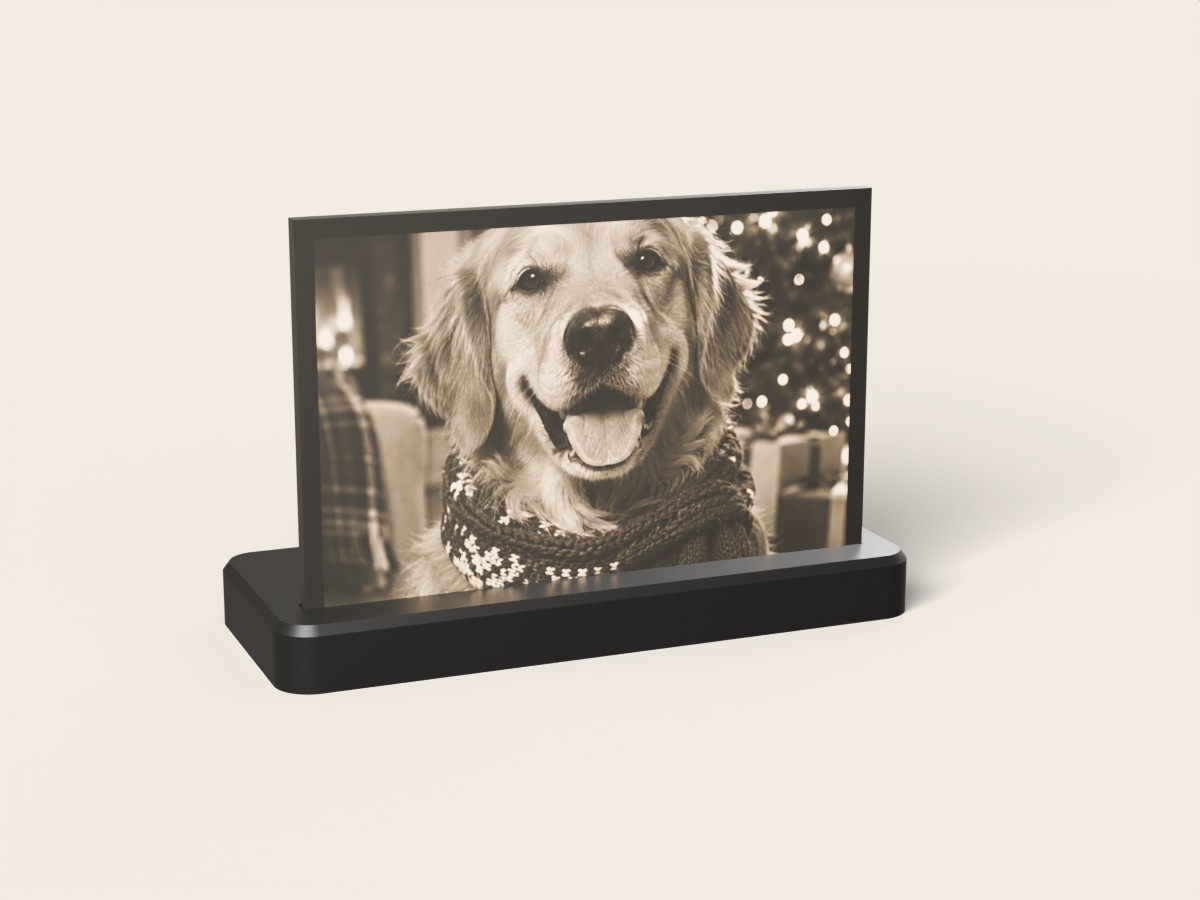 Photo giftsCustom photo lithophane lampFits any photo you send (landscape crops best)
Questions
What is the best filament for lithophanes?
Plain white PLA. It lets enough light through at 0.8 mm to look bright and blocks enough at 3 mm to look dark, which gives the photo its full range, and it doesn't tint the picture.
Can you make a lithophane with clear or transparent filament?
Not a good one. Clear and natural filaments let too much light through even where they're thick, so the dark parts of the photo never get dark and the picture looks washed out.
Can you use PETG for a lithophane?
You can, but white PETG is usually more see-through than white PLA and strings more, so it needs a thicker panel and more cleanup. It makes sense only where a PLA lithophane would get too hot.
Does the brand of white PLA matter?
Yes. Different whites carry different amounts of pigment, so the same file can look bright from one spool and dim from another. Print a small step test from each new spool and adjust the maximum thickness to match.