How colour gets into plastic
A paper printer makes every colour from dots of cyan, magenta and yellow ink. A colour lithophane does the same thing with filament. The first few layers on the build plate are very thin patches of cyan, magenta and yellow, laid down in the pattern of the photo. A normal white lithophane relief is then printed on top.
When light shines through, the coloured layers tint it and the white relief controls how much gets through. Colour comes from the thin layers, and light and dark come from the thickness, same as a classic lithophane.
What it takes
- A printer that can run four filaments in one job. Cyan, magenta, yellow and white. That means a multi-material unit that feeds one nozzle, or a tool changer with a separate head per filament.
- The right filaments. Ordinary blue, red and yellow don't mix properly. It needs true cyan, magenta and yellow that are see-through enough to blend.
- Software that splits the photo. The photo has to be separated into its colour layers. Lithophane makers such as ItsLitho and Bambu's MakerLab can do this.
- A flat print. Unlike a white lithophane, which is best printed standing up, a colour one prints lying down, because the colour layers have to sit behind the whole picture.
What goes wrong
| What you see | Why |
|---|---|
| Colours look muddy or brown | Filaments too opaque, or the wrong shades of cyan, magenta and yellow |
| Skin tones look green or orange | The colour balance is tuned for a different filament brand |
| Specks of the wrong colour | Leftover filament in the nozzle after a colour change |
| Steps in the shading | Printing flat means every shade is made from whole layers, so use the thinnest layers the printer can do |
| Looks dull when lit | The light is too weak. Colour layers soak up light, so these need a brighter one than a white lithophane |
Colour or white?
Colour suits photos that are about colour: a sunset, a bright car, a sports logo, a cartoon. It's less kind to faces and pets. The colours are softer and fewer than a printed photograph has, and a small error in balance is obvious on skin. A white lithophane of the same portrait usually shows more detail and looks more like the person.
A good test is to look at the photo in black and white. If it still works, white will look great. If the photo loses its point without colour, that's the one to print in colour.
Colour without a multi-colour printer
There's an older trick. Print a normal white lithophane, then print the same photo in colour on paper or clear film and fix it behind the panel, lined up with the relief. Light picks up the colour on the way through. It's easier than it sounds and the colours are often truer than filament can manage, though the paper has to stay dry and lined up.
What this shop makes
Today, every lithophane here is the classic white kind. Colour ones need a printer with a separate head per filament, and the H3C printers on their way to the shop have nine. Colour lithophanes get offered once those are running and the results are good enough to sell. If you want one, say so on the quote form and you'll hear when they're ready.
 Photo giftsPersonalized photo ornamentFits any photo you send; you approve the crop
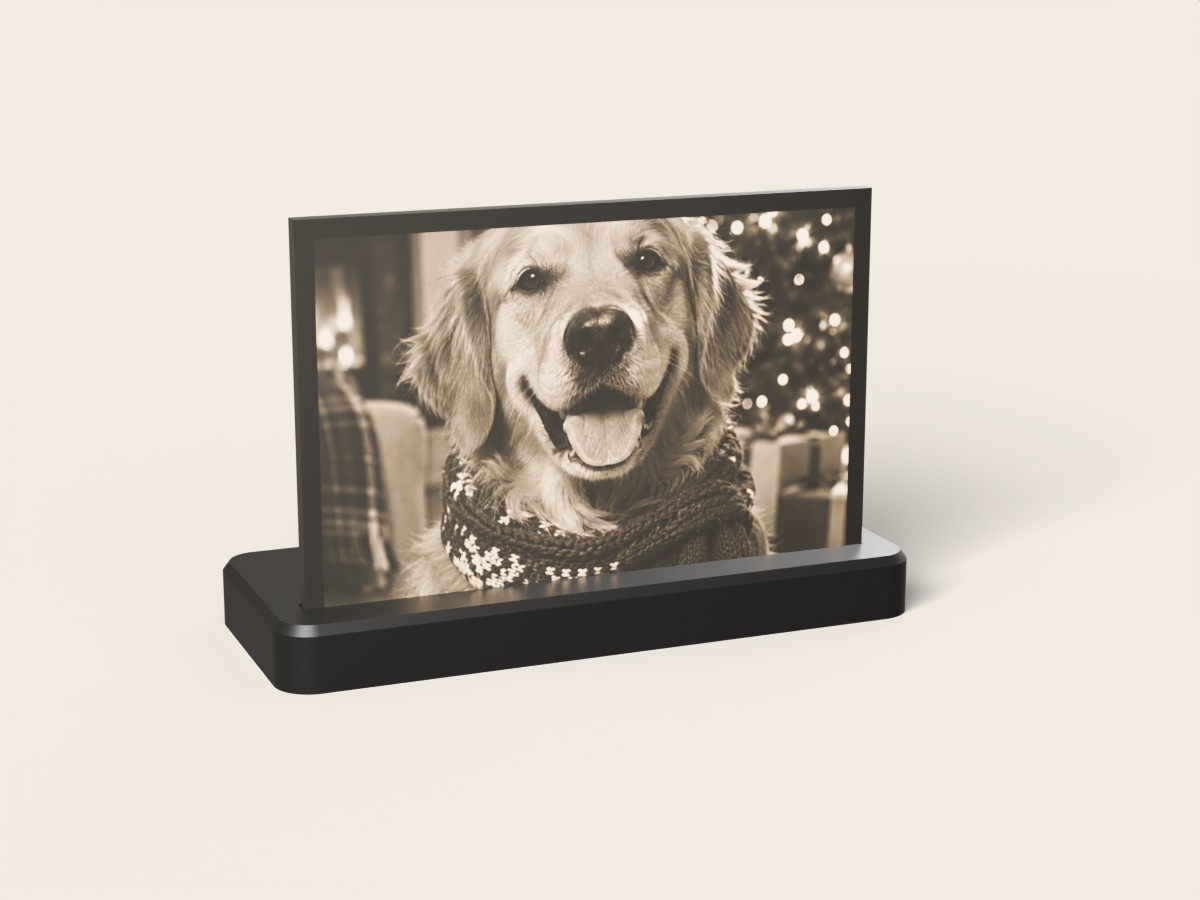 Photo giftsCustom photo lithophane lampFits any photo you send (landscape crops best)
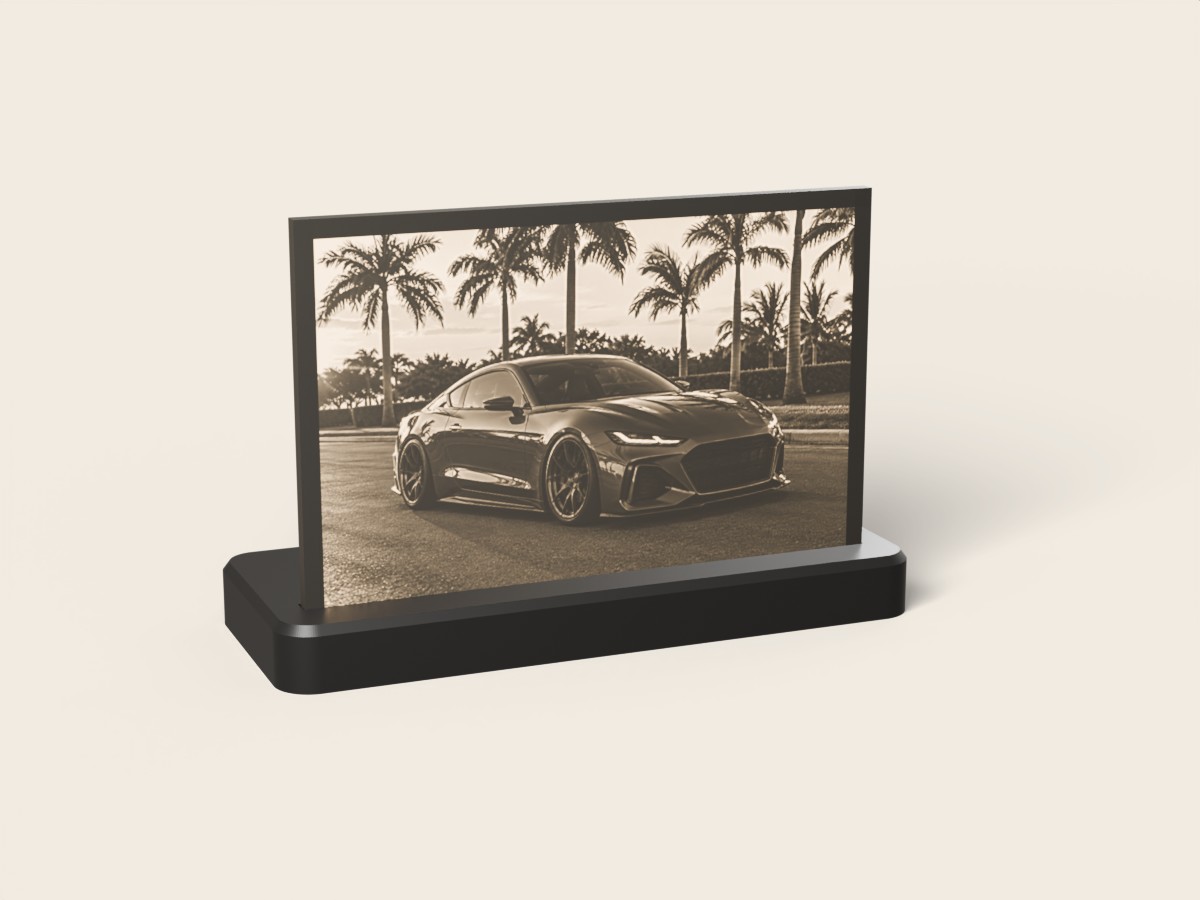 CarCustom car photo lithophane lampFits any photo you send (landscape works best)
Questions
How does a color lithophane work?
Very thin layers of cyan, magenta and yellow filament are printed in the pattern of the photo, and a white relief is printed over them. Light passes through the coloured layers and mixes, the same way ink does in a paper print, while the white relief adds the light and dark.
What printer do you need for a color lithophane?
One that can print at least four filaments in a single job: cyan, magenta, yellow and white. That means a multi-material system or a tool changer. A single-nozzle printer with one filament can only make the classic white kind.
Is a color lithophane better than a white one?
Not always. Colour suits bright, simple photos such as a sunset, a car or a logo. For faces and pets, a classic white lithophane usually shows more detail and reads better.
Can you color a lithophane without a multi-color printer?
Yes. Print a normal white lithophane and put a colour copy of the same photo behind it, printed on paper or film and lined up with the relief. The light picks up the colour on its way through.